
The deletion cannot be undone without a previously created file, and external PDF and JSON are cleaned separately in the services where they were saved.
A practical approach
Vesometr combines several types of entries in one calendar, so it's best to start with one or two tasks and add new sections as you form a habit.
The delete command is intended to deliberately clear the local profile and requires a separate decision about backups. First practical guide for this task: create the final copy you want.
Four consecutive steps
- 01
Create the final copy you want.
- 02
Check that the file is accessible and secure.
- 03
Start deleting all data and read the confirmation.
- 04
Clear external exports if the goal is to stop storing altogether.
What most often distorts observation?
- Confusing exiting an application with deleting it.
- Consider reinstallation to be a guaranteed removal of all external files.
- Confirm an action in a hurry.
How does this relate to Vesometr
Vesometr does not store a cloud copy and cannot return a remote local database without custom JSON.
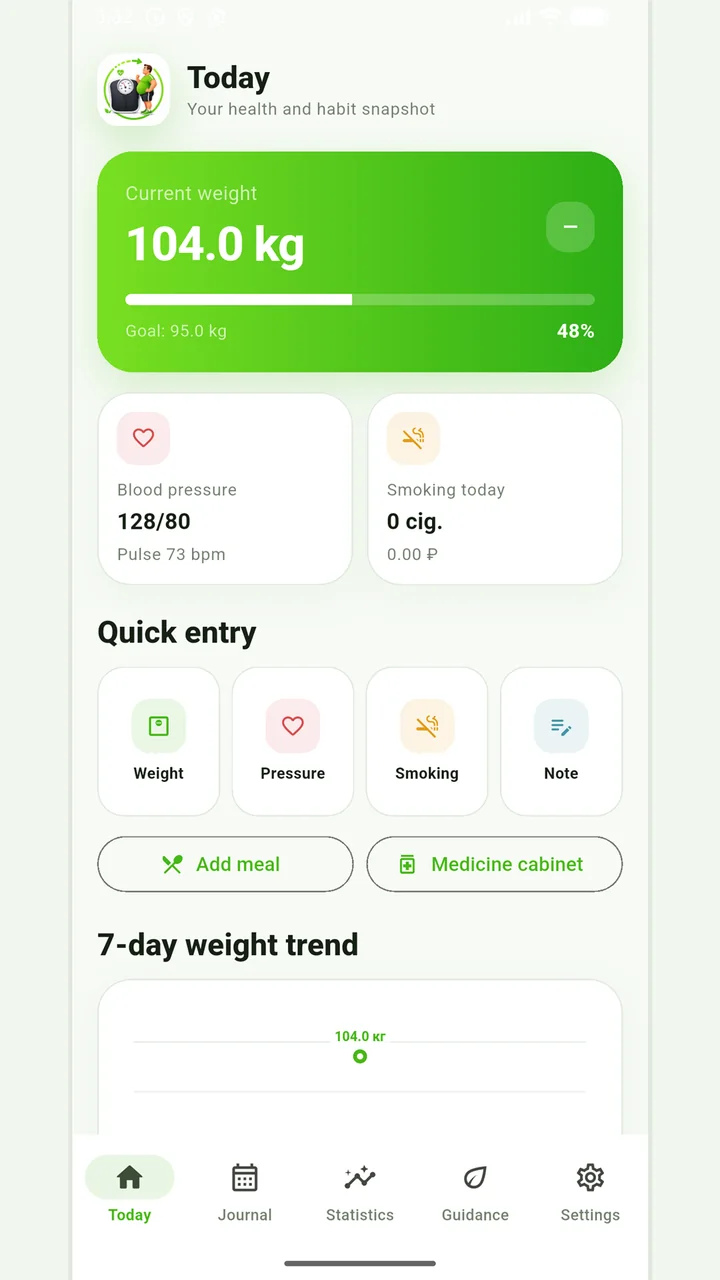
Vesometr 1.2.1
The main application tools and the current Android build.
How to use the collected data
All master records are created manually and remain on the device. There is no account or cloud synchronization, so the user controls export, backup and deletion.
For a final review, go back to the last step: clear external exports if the goal is to stop storing altogether. Compare it to the original target and specifically note exceptions that cannot be explained by the available records.
The app organizes appointments and reminders, but does not verify treatment assignments and is not a substitute for professional advice.
Full medical disclaimerBrief conclusion
The delete command is intended to deliberately clear the local profile and requires a separate decision about backups. Working minimum to continue: create the final copy you want. After this, use the remaining points as a testable plan and keep only actual observations.