
Use it to check for gaps and events without filling empty days with artificial values.
Preparation
Local recommendations are built according to specified rules and entered values, without artificial intelligence and remote analysis. These should be taken as journaling tips.
The calendar shows you which days you have data and helps you navigate from the graph to the primary record with context. First practical guide for this task: select the month you are interested in.
Step-by-step checklist
- 01
Select the month you are interested in.
- 02
Open the date with the entry.
- 03
Check your readings, notes and medications.
- 04
Fix only the confirmed bug or add missing context.
What most often distorts observation?
- Recover numbers from approximate memory.
- Consider an empty day as proof of good health.
- Delete the date for the sake of a smooth schedule.
How does this relate to Vesometr
Vesometr's calendar allows you to edit and delete individual entries while maintaining control with the user.
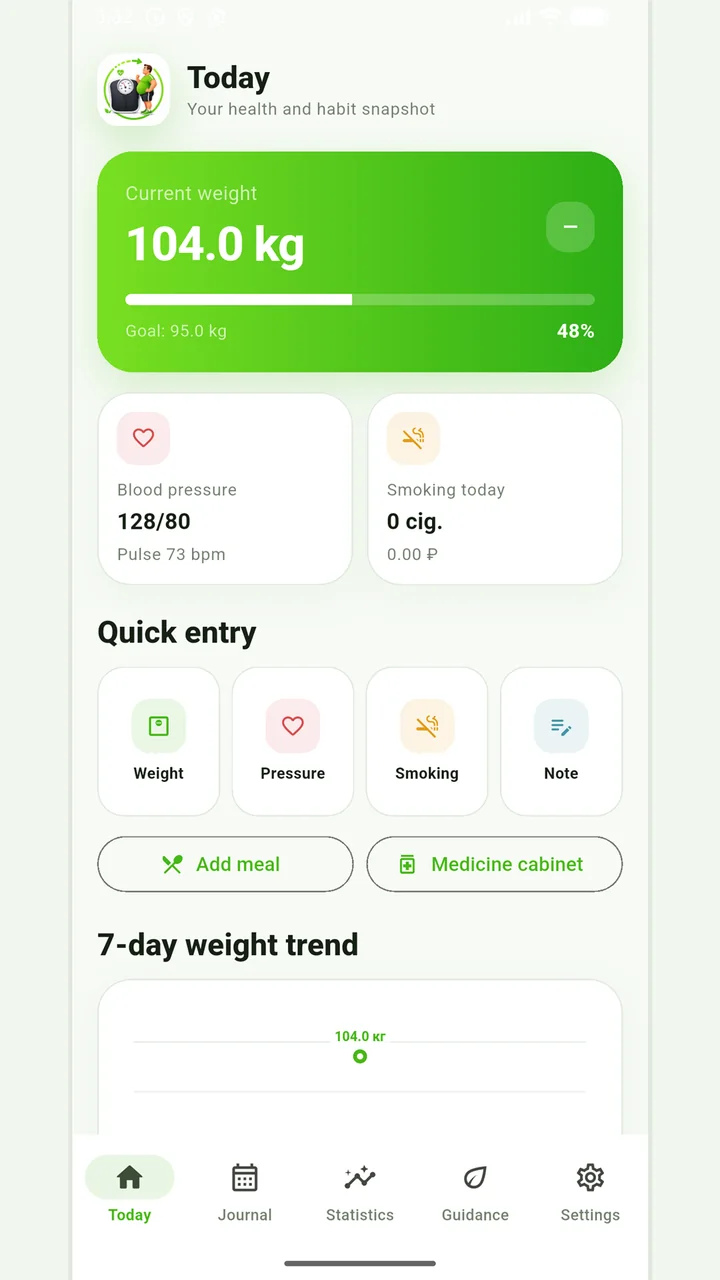
Vesometr 1.2.1
The main application tools and the current Android build.
A calm review of the records
Vesometr combines several types of entries in one calendar, so it's best to start with one or two tasks and add new sections as you form a habit.
For a final review, go back to the last step: fix only the confirmed bug or add missing context. Compare it to the original target and specifically note exceptions that cannot be explained by the available records.
The app organizes appointments and reminders, but does not verify treatment assignments and is not a substitute for professional advice.
Full medical disclaimerBrief conclusion
The calendar shows you which days you have data and helps you navigate from the graph to the primary record with context. Working minimum to continue: select the month you are interested in. After this, use the remaining points as a testable plan and keep only actual observations.