
Check the source, date and file size, and once imported, review a few key sections before deleting the old device.
What matters
Local storage means that the working journal database remains on the device and is not synchronized with the developer account. This reduces external transmission but increases the role of the backup.
Restore replaces the current data with the contents of the selected file, so you need a separate copy of the current state before you begin. First practical guide for this task: create a fresh copy of your current data.
How to organize observation
- 01
Create a fresh copy of your current data.
- 02
Select a file obtained from a trusted source.
- 03
Confirm replacement only after checking the date.
- 04
Open your weight, blood pressure, first aid kit and a few calendar days.
What most often distorts observation?
- Import unknown JSON.
- Treat the recovery as a merge of the two logs.
- Delete both copies immediately after the first successful screen.
How does this relate to Vesometr
Vesometr warns about replacing the current set; The application does not have cloud rollback.
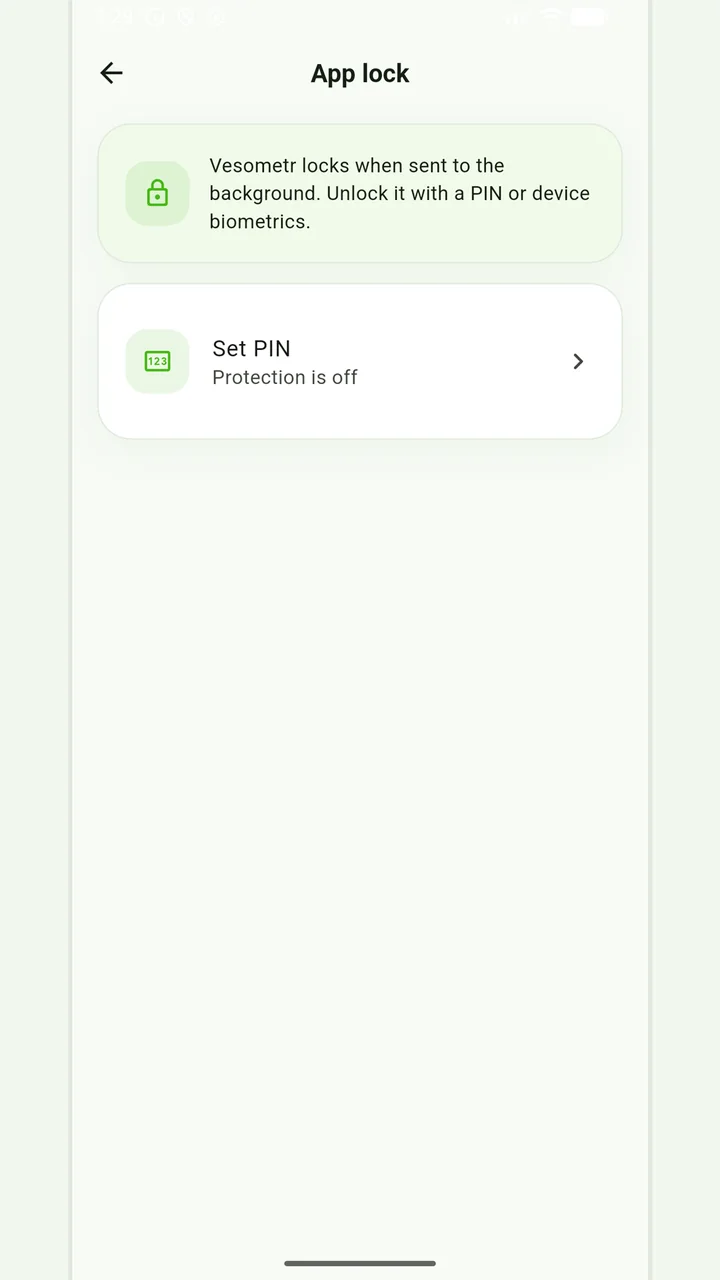
Local protection
No account or INTERNET permission, with PIN, biometrics and a JSON backup.
A conclusion without rushing
An app PIN and system biometrics limit consumer access, but security also depends on phone locking, system updates, and where the exported file is stored.
For a final review, go back to the last step: open your weight, blood pressure, first aid kit and a few calendar days. Compare it to the original target and specifically note exceptions that cannot be explained by the available records.
Please check the destination and save location before exporting. Do not publish backups and reports via an open link; delete unnecessary copies from other people's or shared devices.
Full medical disclaimerBrief conclusion
Restore replaces the current data with the contents of the selected file, so you need a separate copy of the current state before you begin. Working minimum to continue: create a fresh copy of your current data. After this, use the remaining points as a testable plan and keep only actual observations.