
Biometric verification is performed using Android tools; The application does not receive a fingerprint or face image.
Where to start
The JSON copy and PDF may contain sensitive information. After transmission to instant messenger, email or cloud storage, their protection is determined by the selected service and user settings.
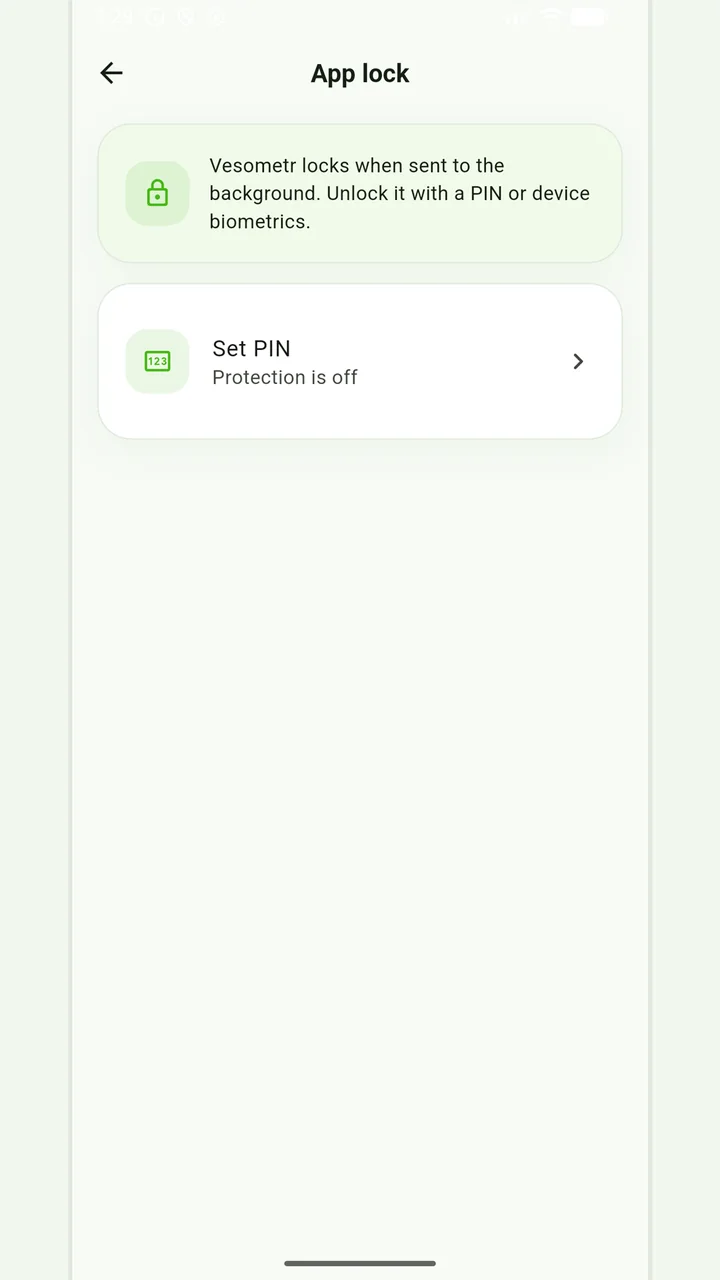
Internal locking restricts the opening of an application on the device, but does not replace system code, encryption, and careful handling of exports. First practical guide for this task: set up a reliable system lock.
Practical plan
- 01
Set up a reliable system lock.
- 02
Enable Vesometr PIN if other people are using the device.
- 03
Enable system biometrics with device support.
- 04
Check where PDF and JSON remain after export.
What most often distorts observation?
- Use a simple repeatable PIN.
- Consider a file already sent by email as protected.
- Transfer an unlocked phone without control.
How does this relate to Vesometr
Vesometr stores the access setting locally and accesses the system's biometrics engine without its own biometric database.
Local protection
No account or INTERNET permission, with PIN, biometrics and a JSON backup.
How to check the result
Local storage means that the working journal database remains on the device and is not synchronized with the developer account. This reduces external transmission but increases the role of the backup.
For a final review, go back to the last step: check where pdf and json remain after export. Compare it to the original target and specifically note exceptions that cannot be explained by the available records.
Please check the destination and save location before exporting. Do not publish backups and reports via an open link; delete unnecessary copies from other people's or shared devices.
Full medical disclaimerBrief conclusion
Internal locking restricts the opening of an application on the device, but does not replace system code, encryption, and careful handling of exports. Working minimum to continue: set up a reliable system lock. After this, use the remaining points as a testable plan and keep only actual observations.